Everything mouse and keyboard can do — from selecting to drawing a route. The cursors come from the game itself, the screenshots from real matches.
Selecting
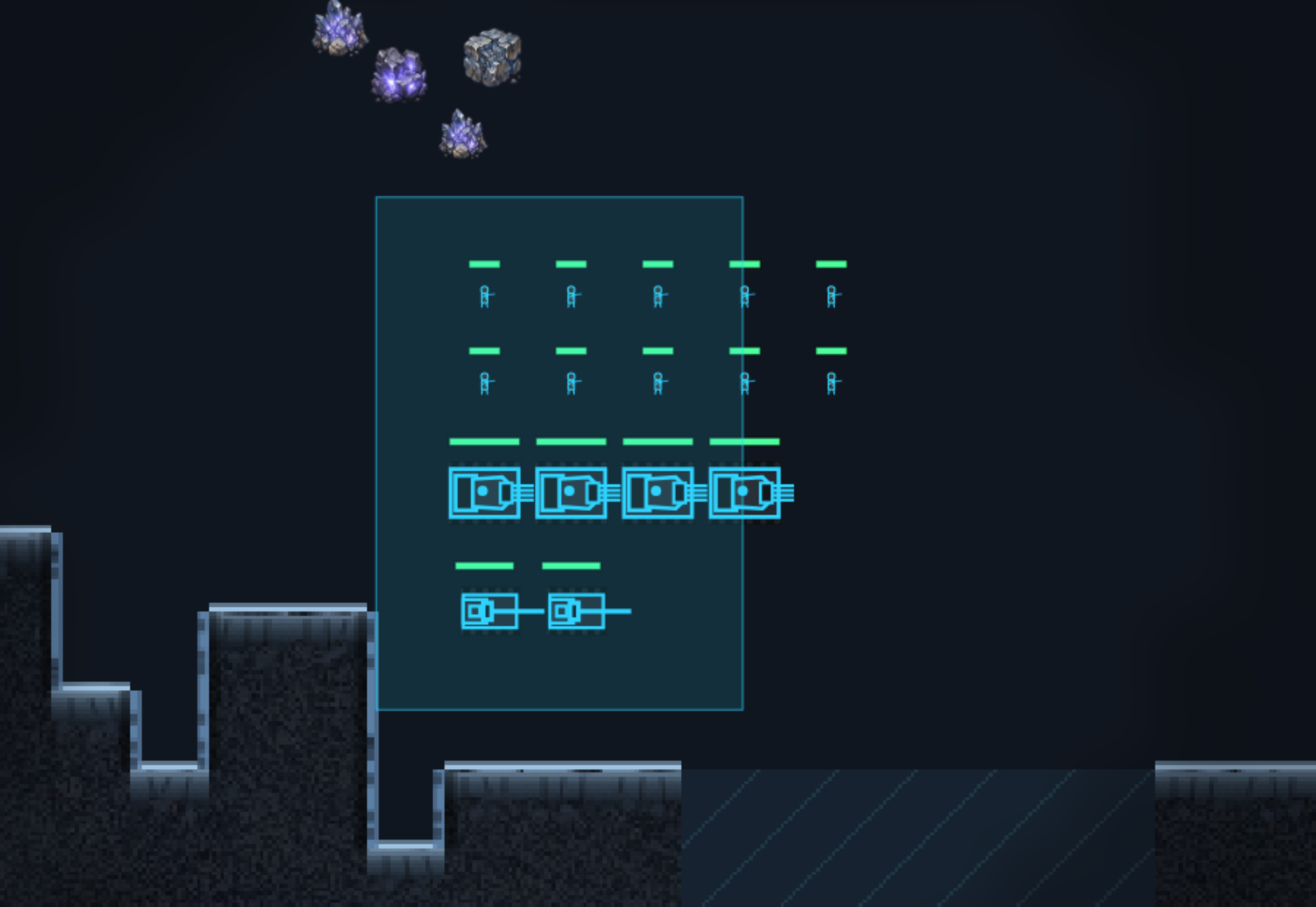
Giving orders
There is no order button: right click reads whatever is under the cursor. The cursor tells you what you are about to do before you click.
Stance
Every combat unit has a stance — it decides what happens without orders. Change it in the bar below the selection.
Buttons below the selection
What appears here depends on what is selected. The stance bar is always there, the rest depends on the unit.
Managing buildings
These three buttons start a click-a-target mode: press the button, then click the buildings. It stays on until you click empty ground, right-click or press ESC.
Formation
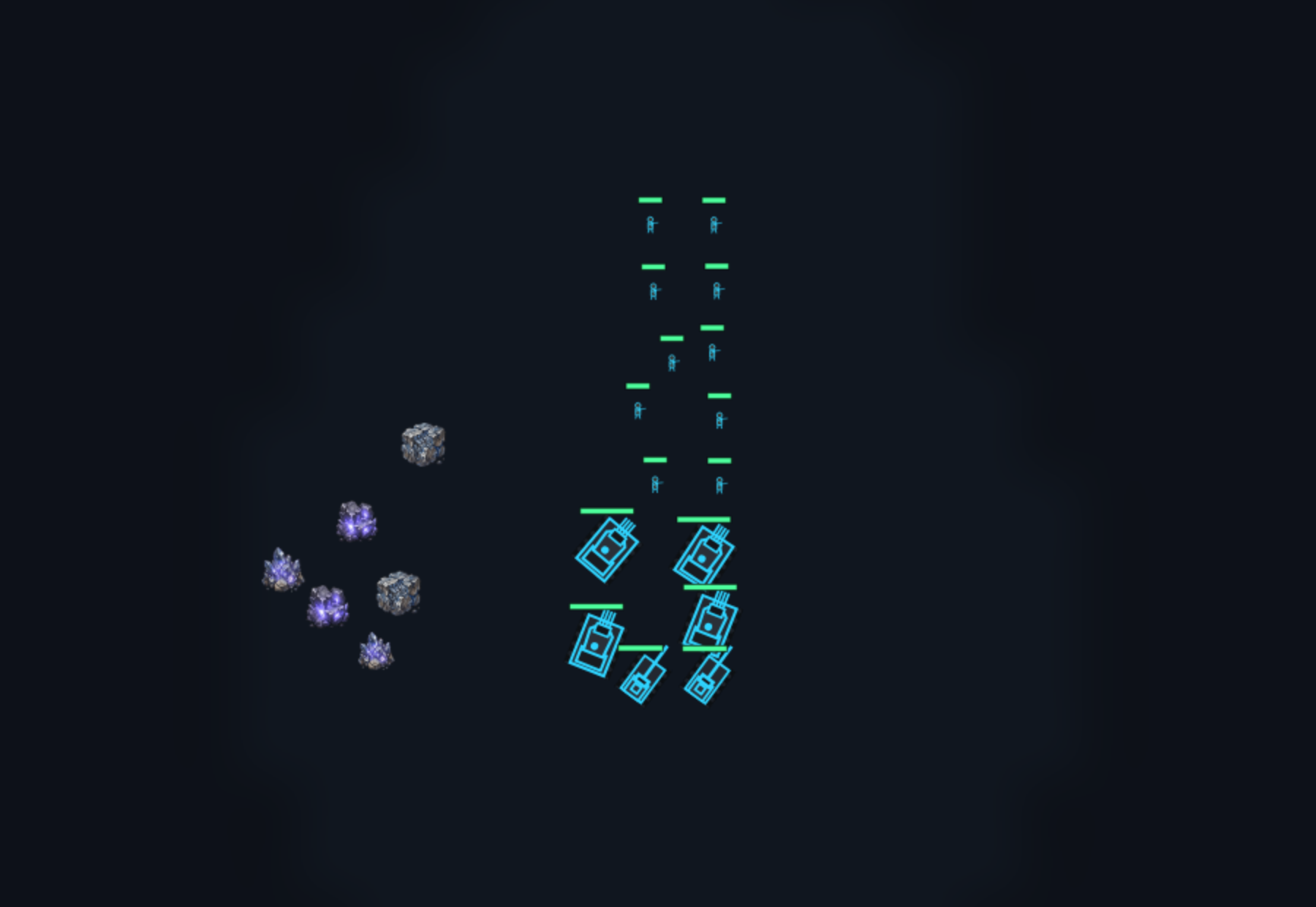
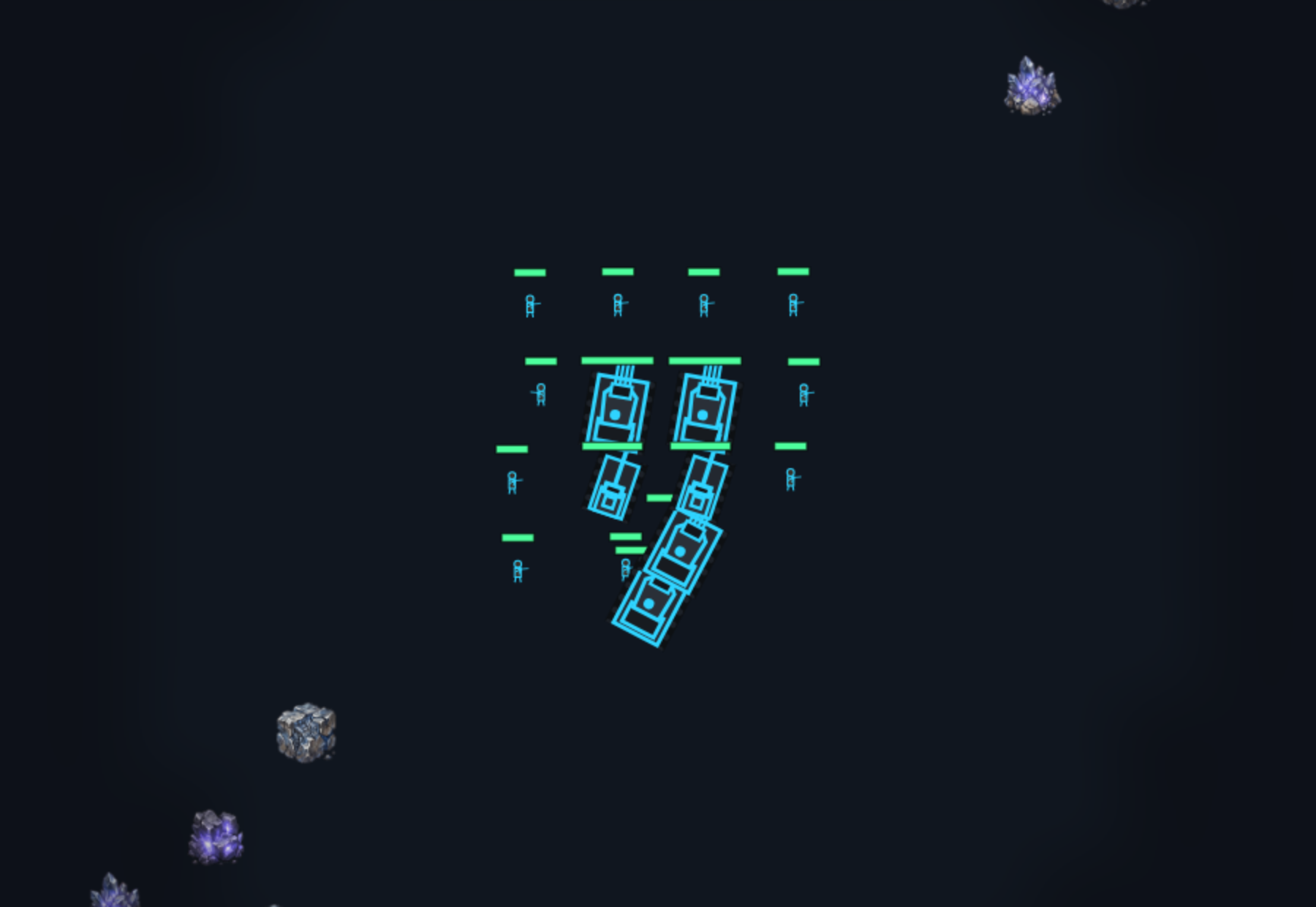
Hold the right button and drag: the force lines up facing that way. ALT plus the mouse wheel switches the shape — the next move keeps it.
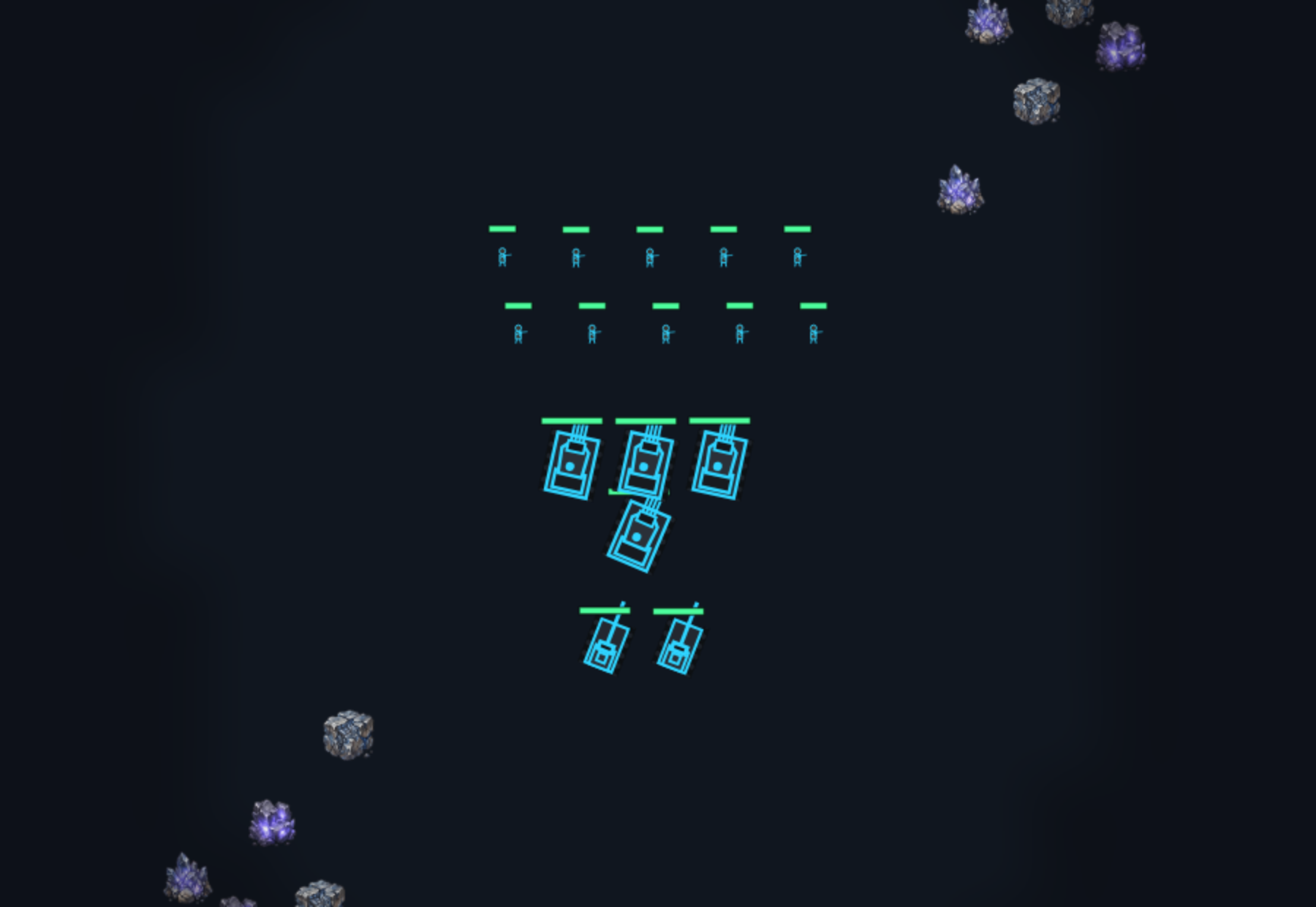
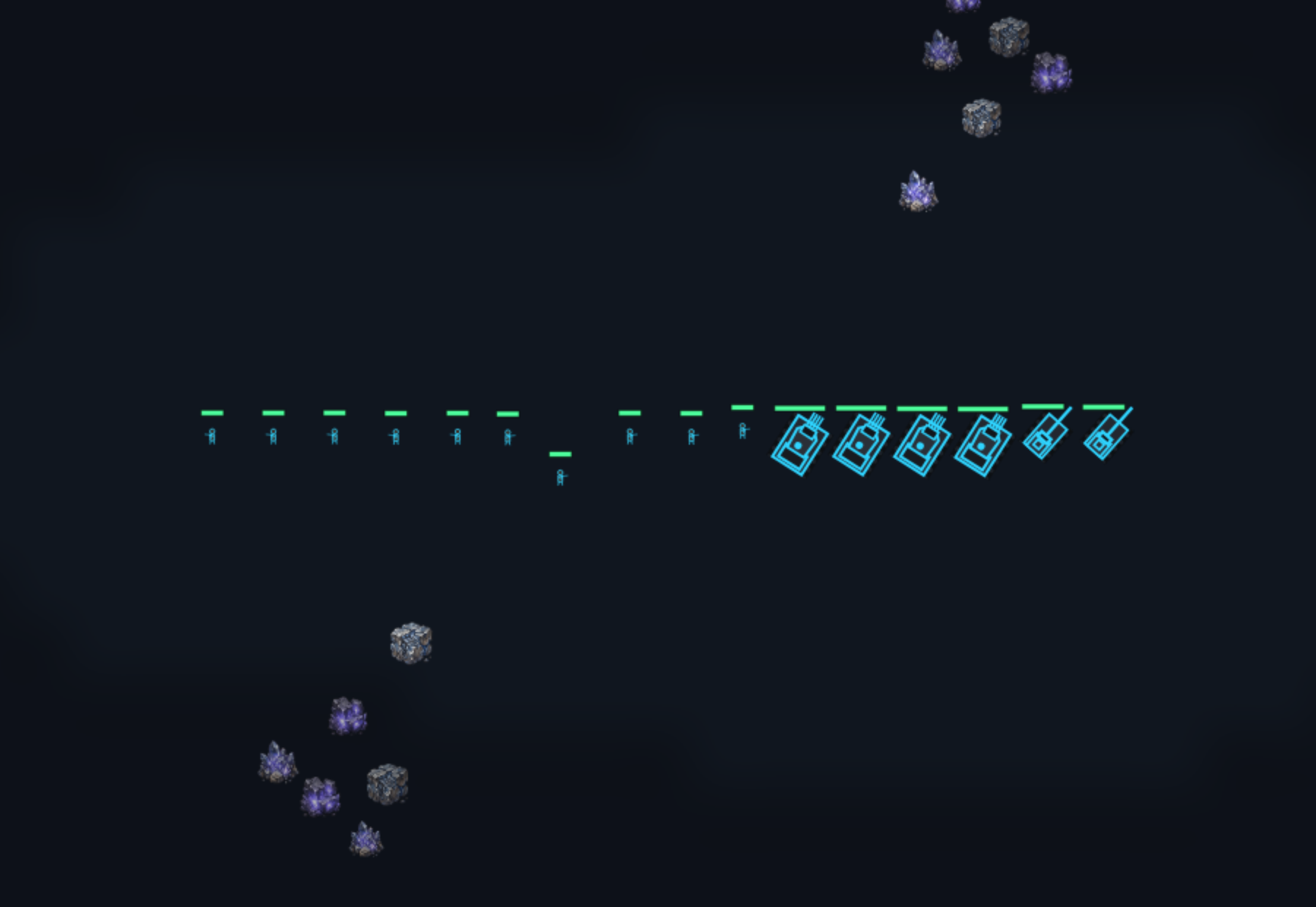
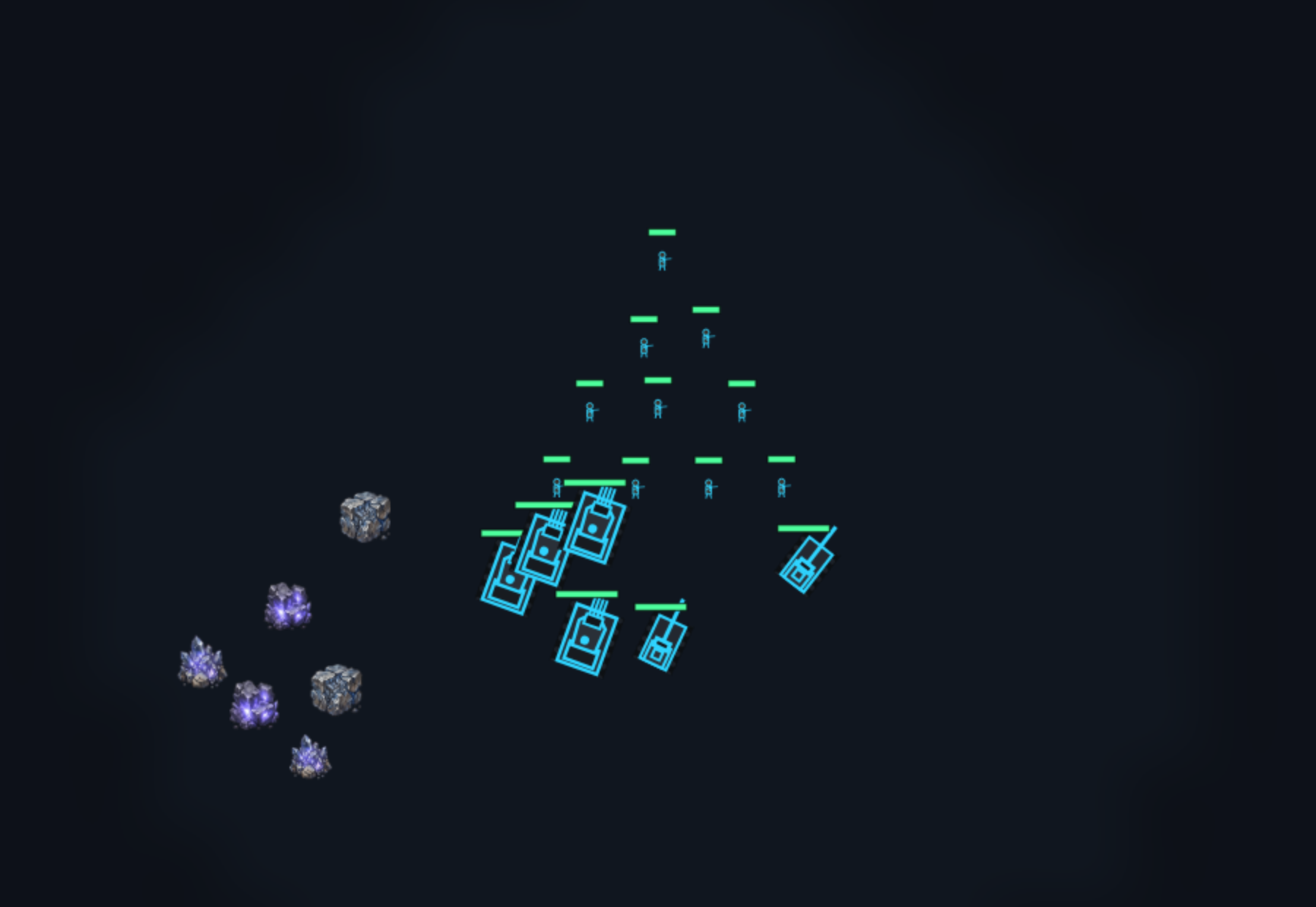
Routes
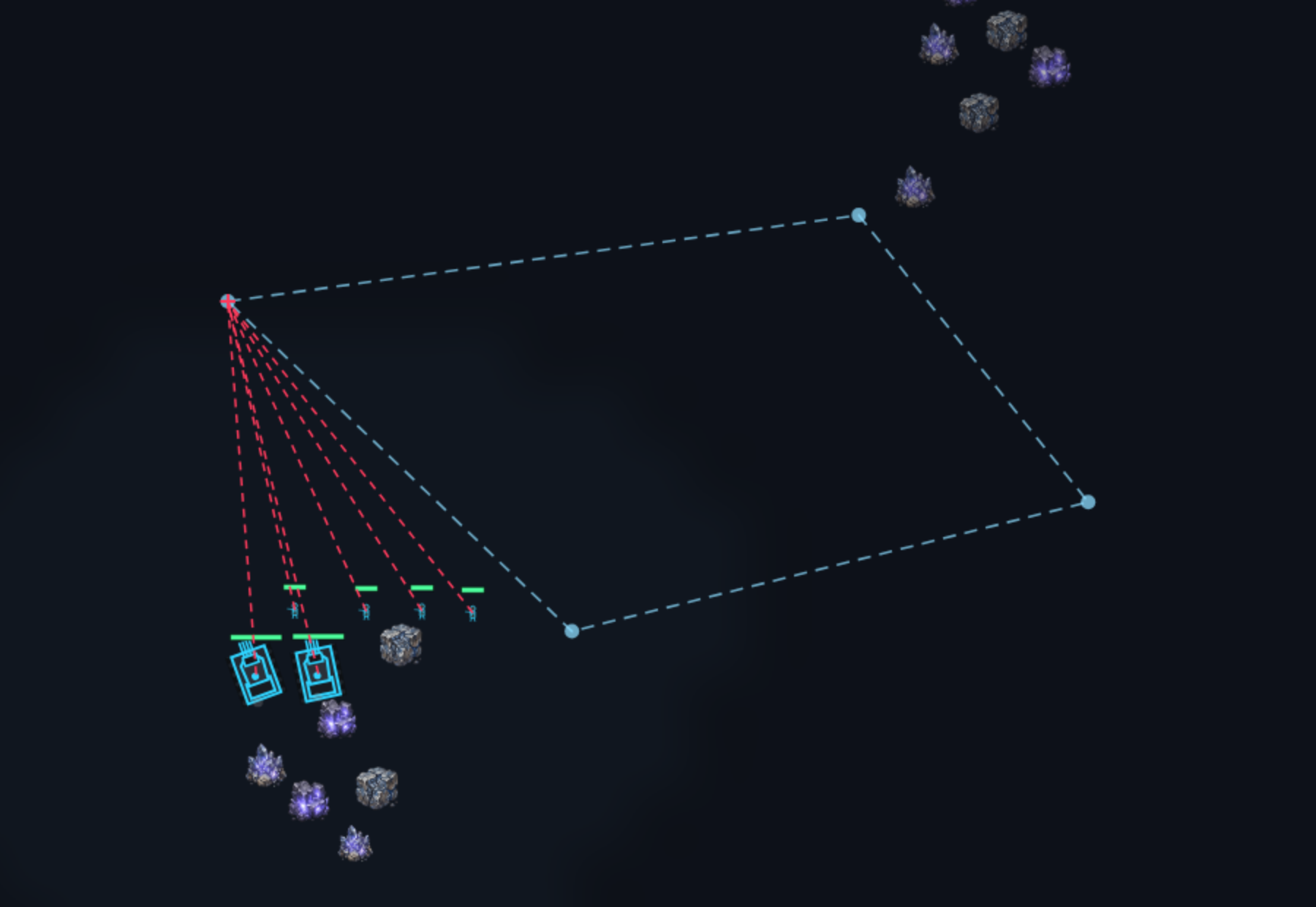
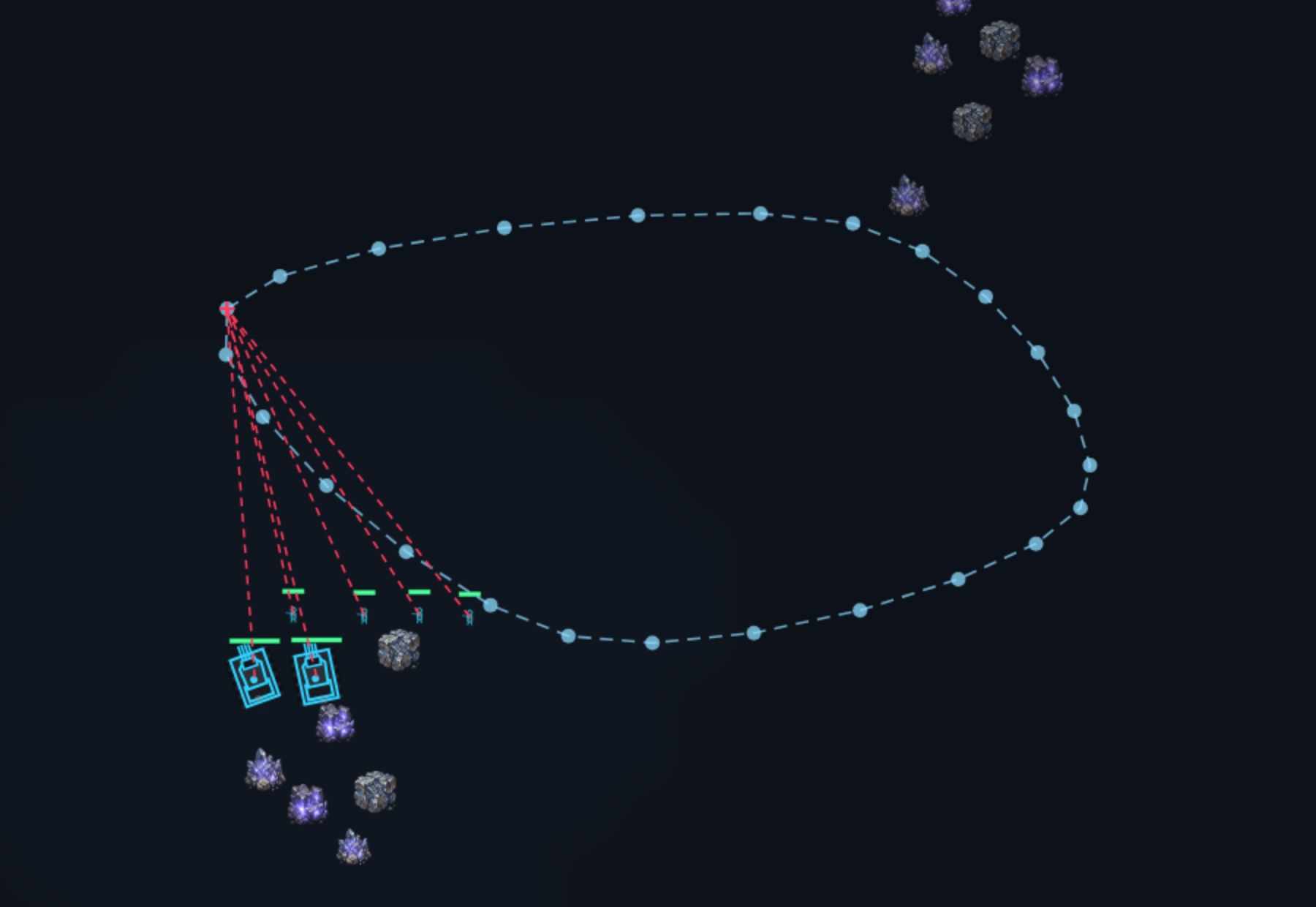
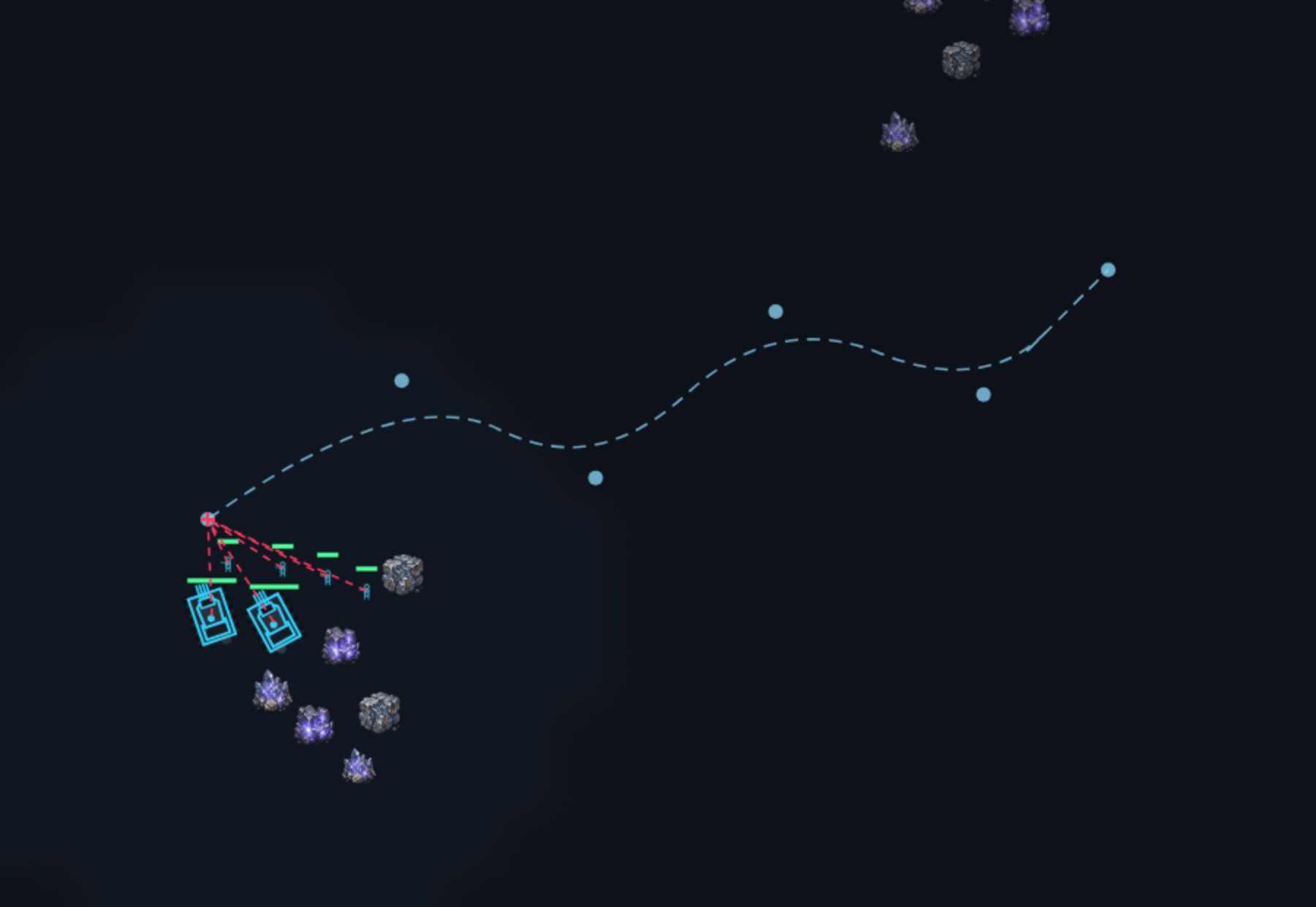
Hold ALT, then tap P or Z once — in that order. A patrol collects your clicks and sets off when you release ALT; a drawn path is traced with the mouse held down and sets off when you let go.
Building and production
Research window
Open it from the "Research" tab on the build bar or from the button on a selected tech center. The tree is larger than the window — and it has no scrollbars: you drag it.